
~/tokenrange ❯ limits
know before you hit the wall.
See your usage, remaining limits, and reset times at a glance. Keep the tools you use together, from Claude Code and Codex to Cursor, Grok, Antigravity, OpenRouter, OpenCode Go, Z.ai, and Kimi Code.
- ❯Your providers, your order. Choose which limits matter to you, including Claude’s Fable allowance when your account provides it.
- ❯Clear freshness. See when your limits were last updated. Widgets show the latest saved data.
- ❯Lock Screen widgets. Check your lowest remaining limit and its reset time without unlocking your phone.
- ❯Limit alerts. Get a warning as your allowance runs low, and a reminder before it resets.
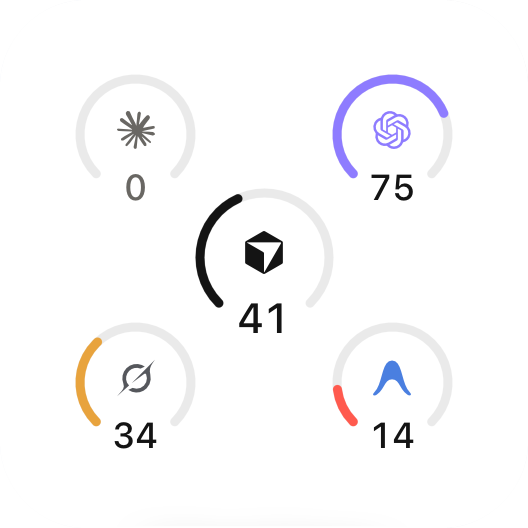
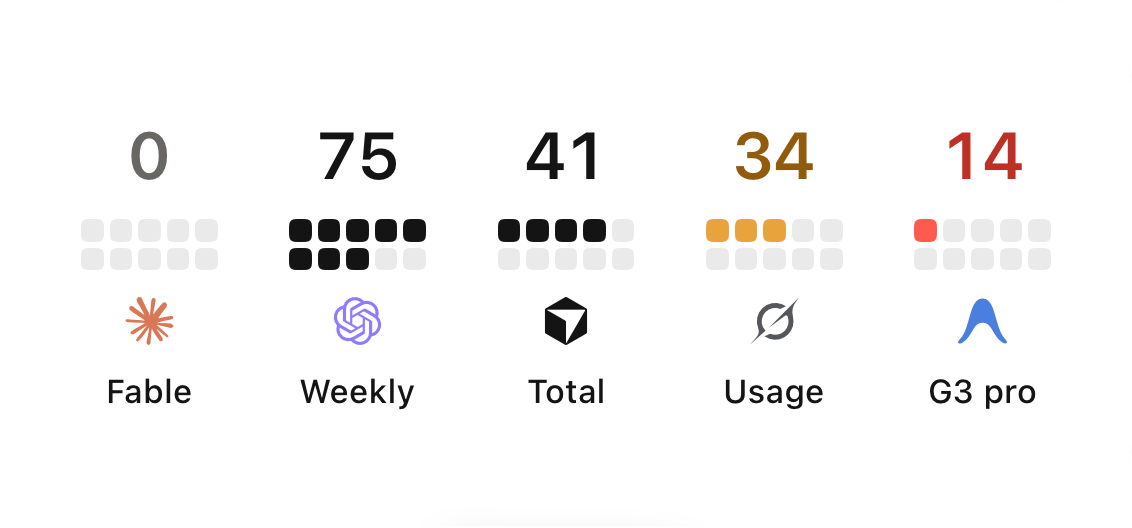
View your limits side by side.
On your Home Screen, without opening the app.
Widgets shown with sample data.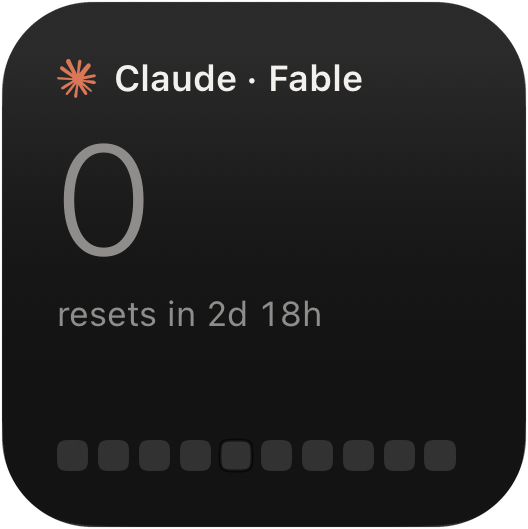
~/tokenrange ❯ theme
multiple themes to choose from.
Find a palette that suits you, from dark terminals to light canvas. The default theme is free. Lifetime Pro unlocks the other themes.

~/tokenrange ❯ privacy
your accounts stay yours.
Sign in to each tool once, with your own account. Tokens refresh silently after that, and everything stays on your phone. Credentials live in your device Keychain and go only to the provider you connected, over HTTPS. Never to a Token Range server, because there isn't one. No account. No analytics.
~/tokenrange ❯ faq
questions, answered straight.
How do I check my Claude Code rate limit on iPhone?
Install Token Range and sign in to Claude once. Your session and weekly limits appear in the app, on Home Screen widgets, and on the Lock Screen, with reset countdowns.
Does Token Range see my credentials or usage data?
No. Credentials live in your device Keychain and are sent only to the provider you connected, over HTTPS. There is no Token Range server, no analytics, and no account to create.
Which AI coding tools are supported?
Claude Code, Codex, Cursor, Grok, Antigravity, OpenRouter, OpenCode Go, Z.ai, and Kimi Code at launch, with more tools on the way.
How much does it cost?
Lifetime Pro is a one-time purchase that unlocks all Token Range features. Future updates and new features are included. No subscription or recurring fees.
~/tokenrange ❯ install
one payment. lifetime pro.
Unlock all Token Range features with one payment. Lifetime Pro includes future updates and new features as they arrive. No subscription. No recurring fees.